 FilmPix Apps
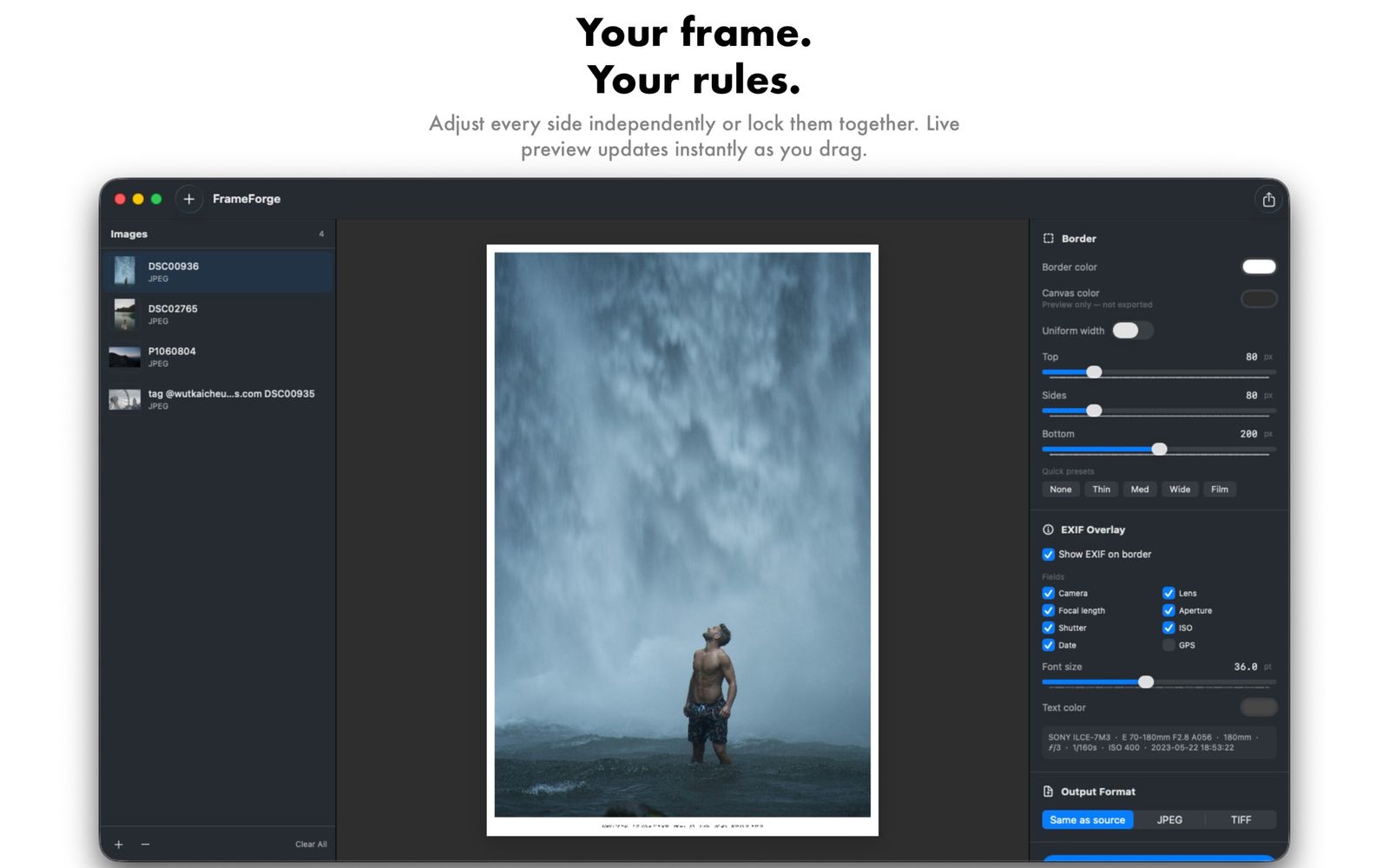
Your frame.
Your rules.
Add beautiful, customisable borders to any photo in seconds, at full resolution and with zero quality loss. Built for photographers on the Mac.
Features
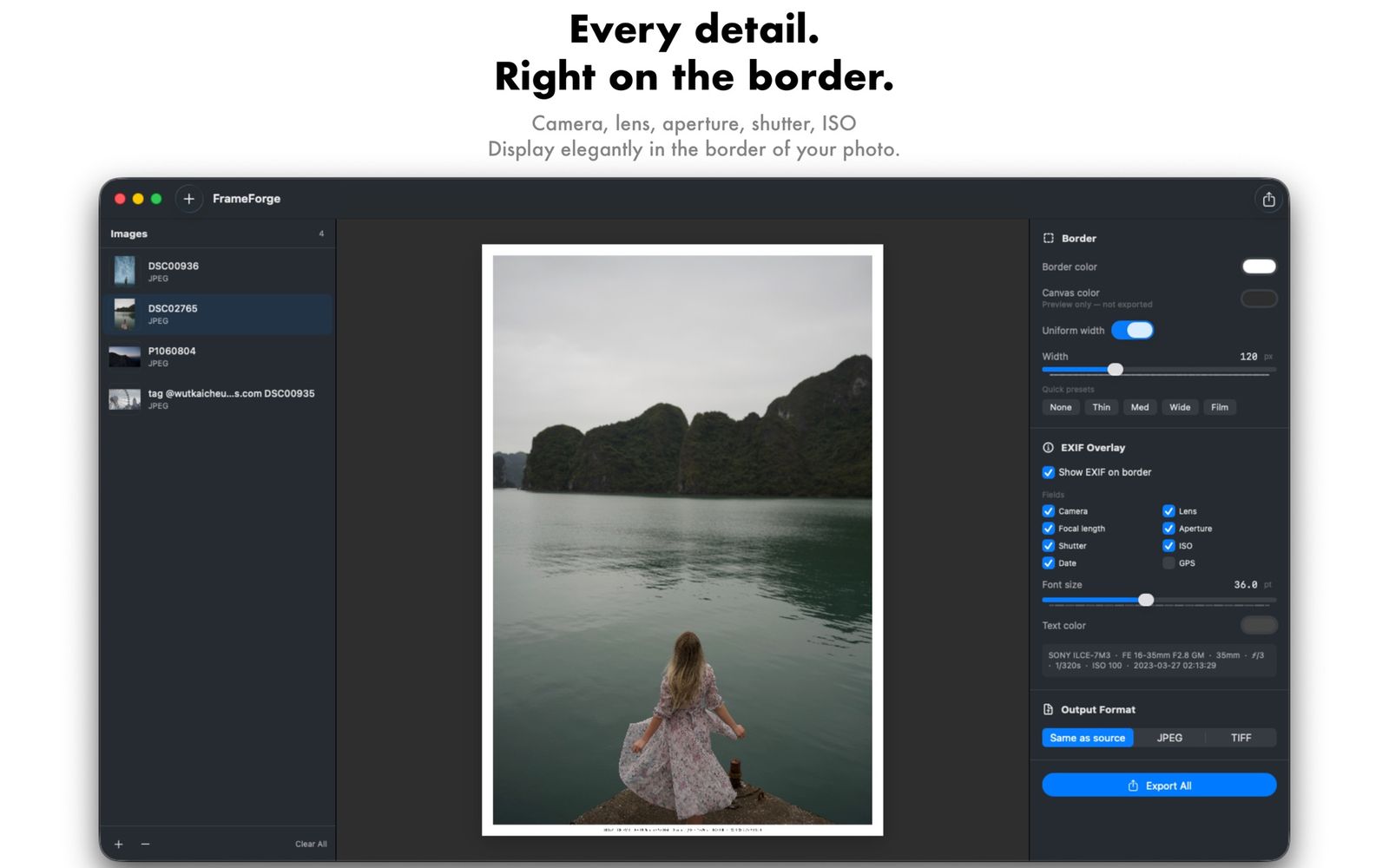
Every detail. Right on the border.
Every side, your way.
Adjust each side independently or lock them together, with presets from Thin to Film.
EXIF overlay.
Camera, lens, focal length, aperture, shutter speed, ISO, date and GPS, set elegantly in the border.
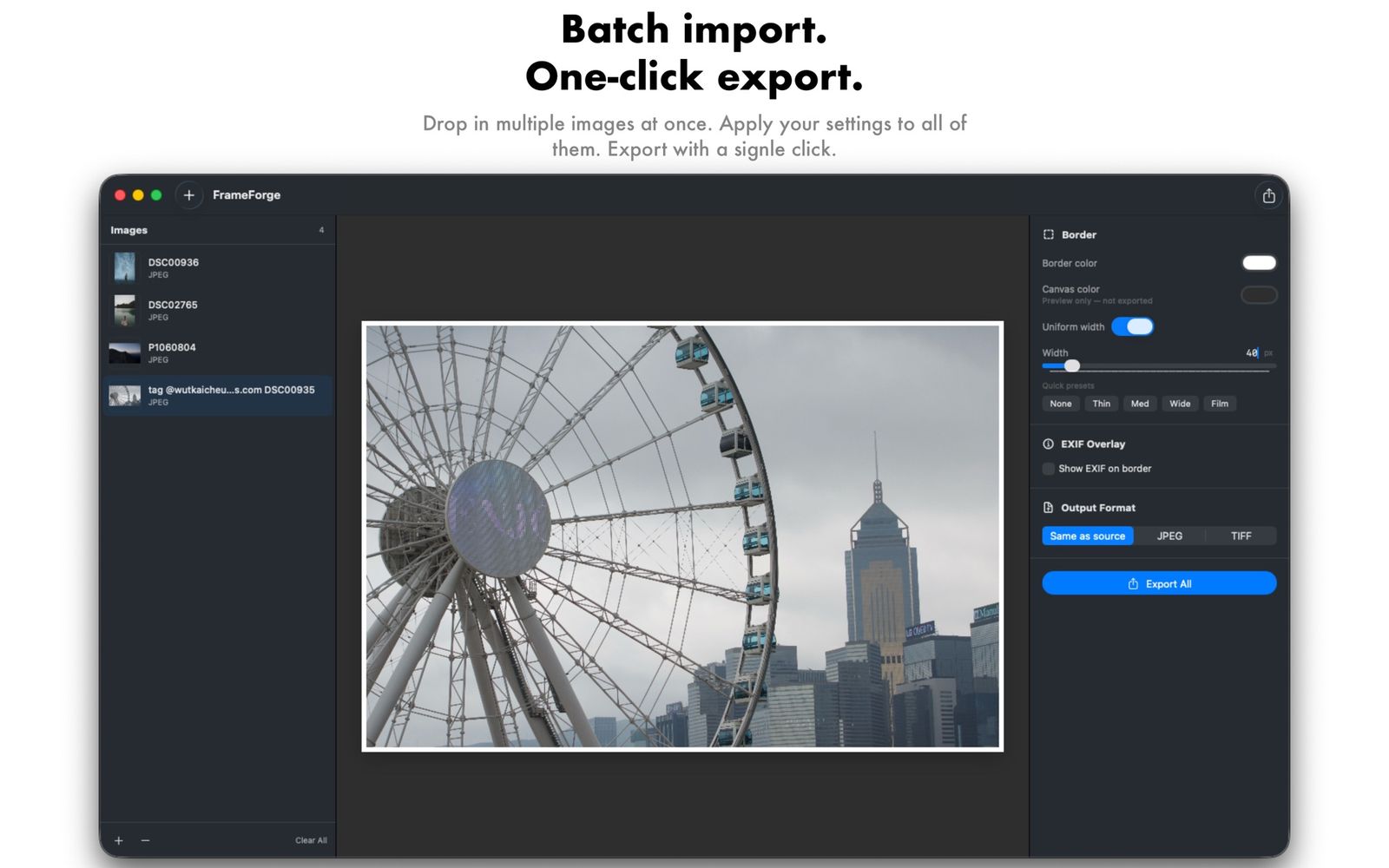
Batch processing.
Frame a whole set of images in one go, with the same look across every shot.
Live preview.
Changes update instantly as you drag, so you see exactly what you will export.
Social mode.
Automatic padding to the right aspect ratio for social posts.
Sign your work.
Add custom text to sign your photos, with EXIF text from 8 to 72 point.
Full resolution.
Apple's imaging frameworks keep every pixel. Export as the original format, JPEG or TIFF.
Privacy
No network. No data. Just your photos.
Open the app and get going. No sign-up, no login, no email.
No analytics, no ads and no third-party trackers.
Your photos, videos and projects are processed and stored on your device.
Frame it. Forge it.
Download FrameForge for your Mac.